An AI headshot generator can be useful when a company needs a fast, consistent baseline for remote staff. It can also disappoint quickly when the input photos are uneven, the lighting is mixed, or the final image needs to represent a serious professional brand.
This guide explains where AI headshots fit, where they fail, and how to decide whether an AI-generated image or a real studio session is the better answer for your team.
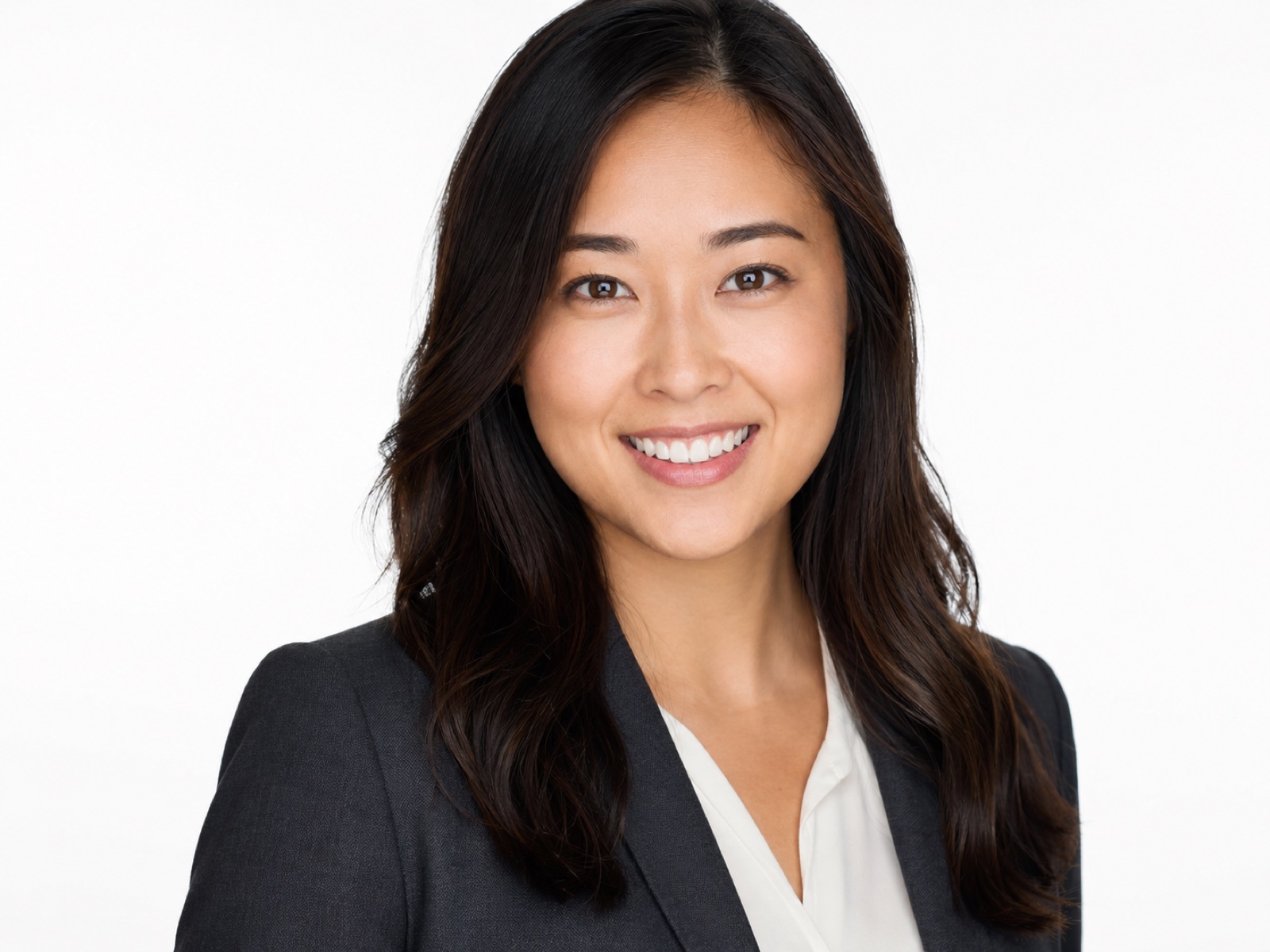
What an AI headshot generator is good at
AI headshot tools are strongest when the goal is consistency at scale. If a company has remote staff across different cities, it may be hard to get everyone into one studio. A guided AI workflow can create a more uniform baseline than random selfies, cropped holiday photos or old staff photos gathered from LinkedIn.
The best use case is practical: internal directories, early-stage team pages, contractor profiles, onboarding drafts and situations where the business needs a coherent look quickly. That does not make AI better than photography. It simply means it can solve a different problem.
- Remote teams that need a consistent staff page
- Contractors or new starters who cannot attend a studio quickly
- Companies replacing mixed old profile photos
- Low-risk internal or temporary profile images
Where AI headshots still fall short
AI still struggles with exact likeness, expression, believable skin texture, hands, clothing details and brand nuance. It can also make people look too smooth, too generic or not quite like themselves. For leadership profiles, public-facing bios, media use and client trust, those details matter.
A real headshot session gives you expression coaching, live image review, controlled lighting and intentional crop decisions. Those are the things that make a professional headshot feel like a person rather than a generated approximation.
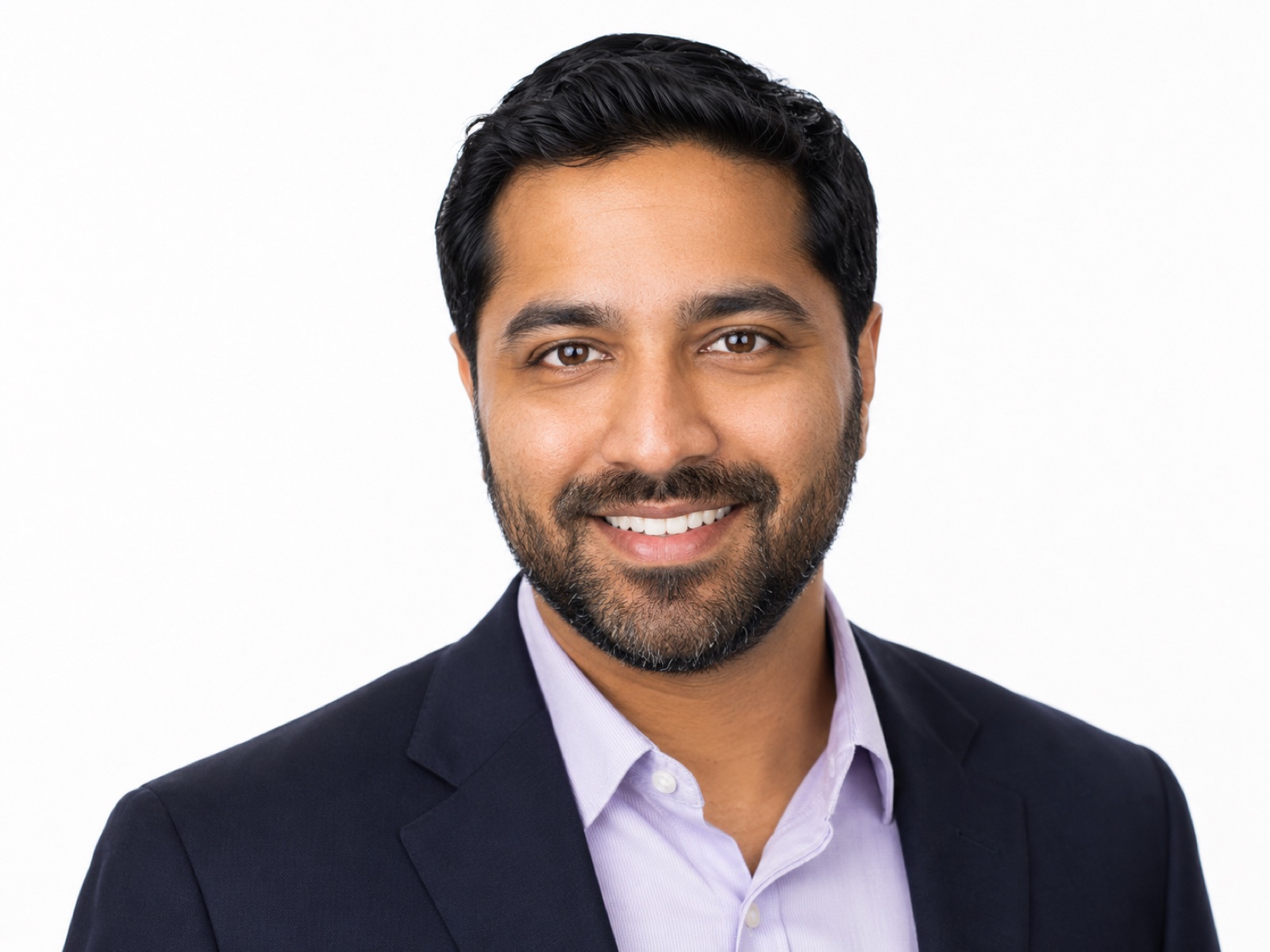
How to get better results from AI headshots
If you do use an AI headshot generator, the input images matter more than the prompt. Use clear front-facing photos, even lighting, current hair and facial hair, and a simple outfit. Avoid sunglasses, heavy filters, extreme angles and mixed lighting.
For company consistency, give the tool a clear direction: background tone, crop, wardrobe, expression and retouching level. The more precise the visual standard, the less random the output will feel.
- Use current images, not old photos
- Keep lighting soft and even
- Avoid filters and strong phone processing
- Use simple business wardrobe
- Review likeness before publishing
What the upload references should look like
A guided workflow works better than a random AI upload box. The custom generator we have been developing asks for four specific references so the model gets identity, expression and side-profile information instead of guessing from one flattering selfie.
Use soft natural light from a window or bright open shade. Keep the phone close to eye height, avoid overhead downlights, remove sunglasses and hats, and use the same room, camera distance and background for all four photos where possible.
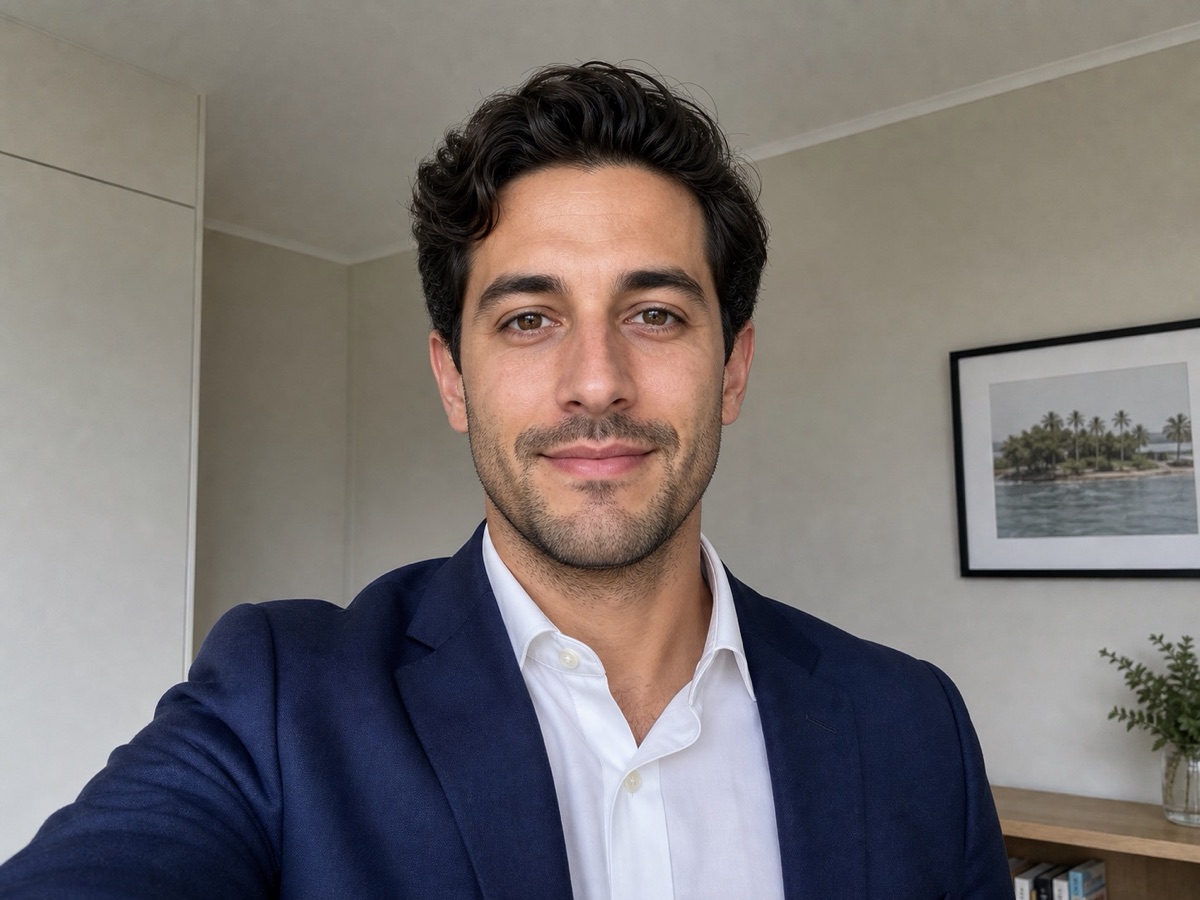
Half smile
Face the camera with relaxed shoulders and a small natural smile. Keep the light soft and even across the face.
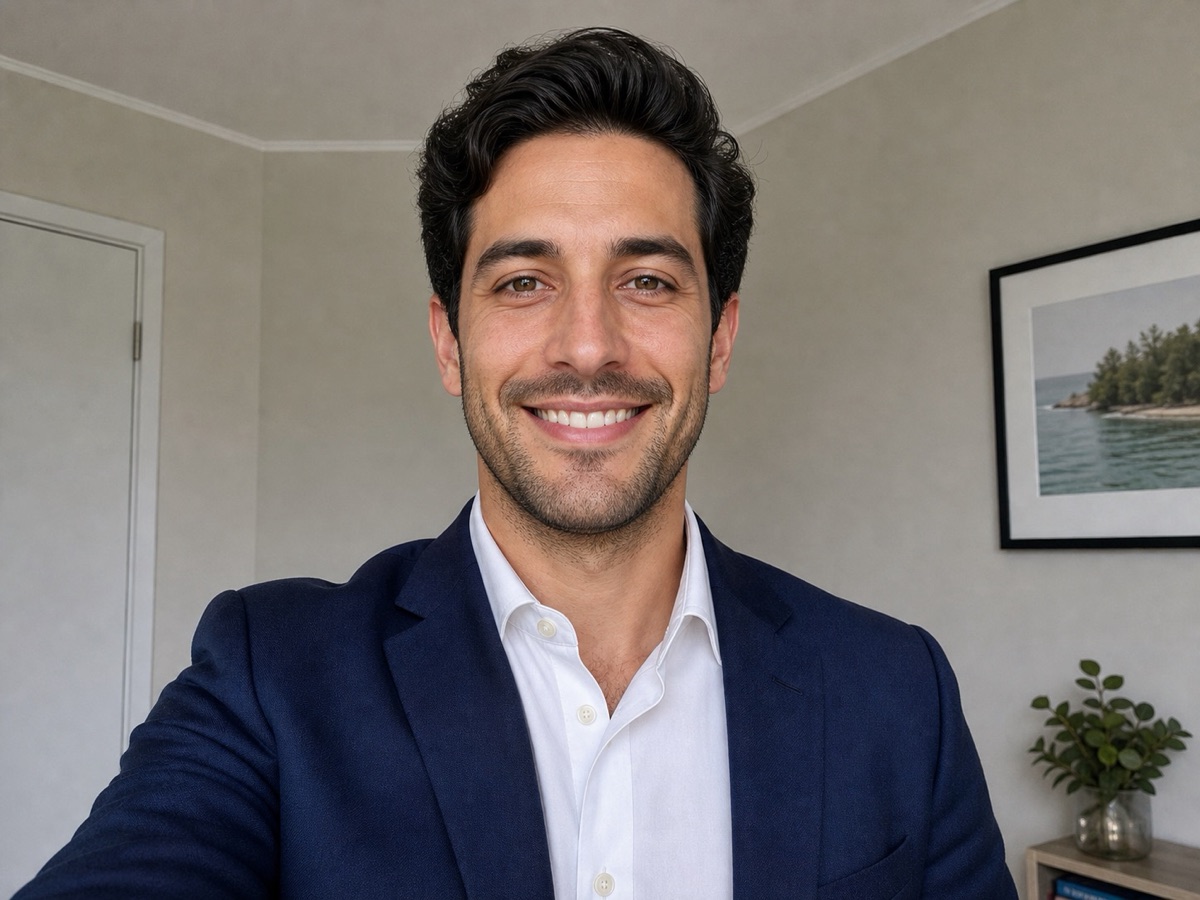
Full smile
Use the same setup with a bigger smile. This gives the system real expression data instead of inventing teeth or cheeks.
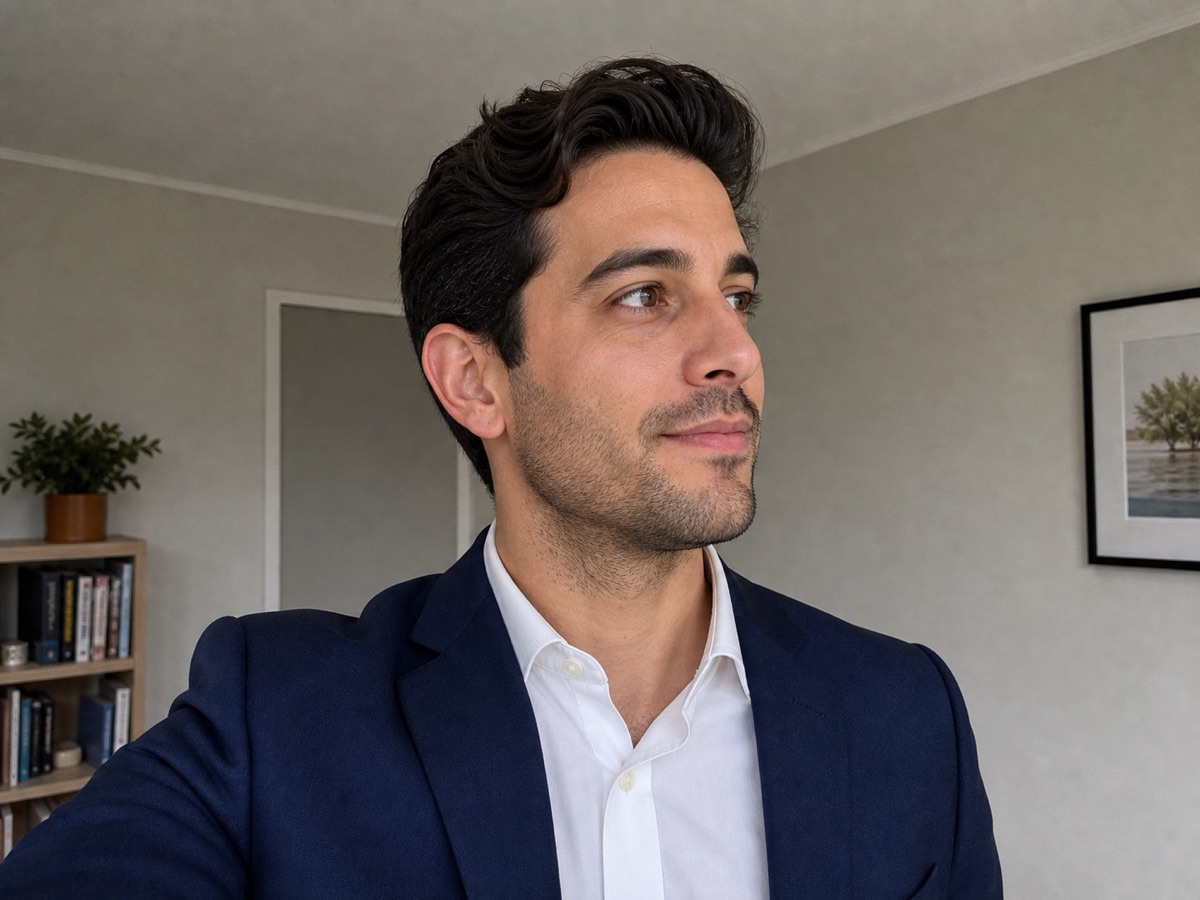
Left profile
Turn around 45 degrees left. Keep the chin level and avoid strong shadows from overhead or side-only lighting.
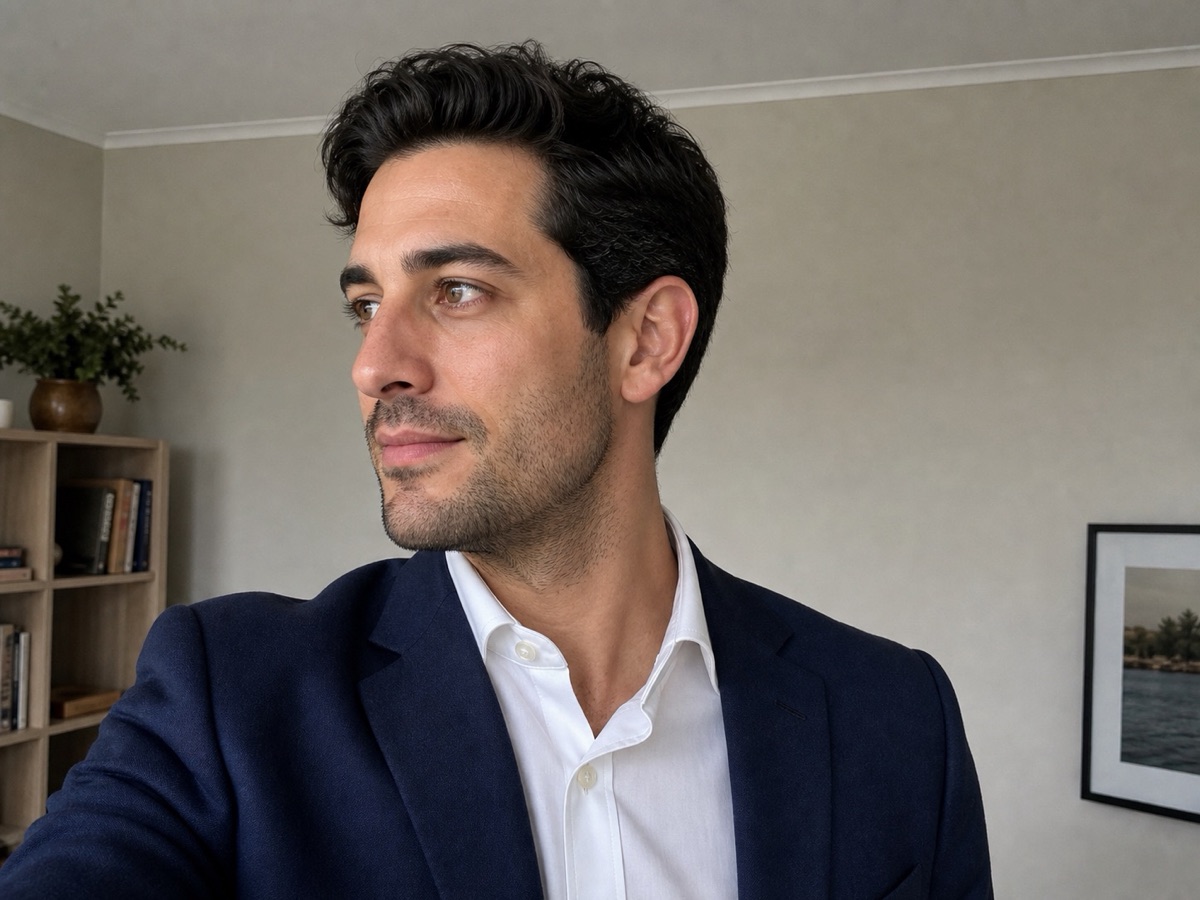
Right profile
Repeat to the right side with the same camera height, room and light so the references stay consistent.
When to book a real headshot instead
Book a real session when the image will appear in a place where trust matters: a company website, LinkedIn, proposal deck, media profile, speaker page or leadership bio. Those images are often seen before a client ever speaks to you.
If you are comparing AI with a studio session, read the full AI headshots vs professional photography guide, then look at real professional headshot examples before deciding.
Frequently asked questions
Are AI headshots good enough for LinkedIn?
Sometimes, but a real LinkedIn headshot is usually more reliable for public-facing profiles because expression, eye contact, lighting and likeness are controlled during the session.
Can AI headshots work for remote teams?
Yes, they can be a practical compromise for remote teams that need visual consistency quickly, especially when the alternative is a mixed set of old or casual photos.
Will AI headshots replace studio headshots?
Not for high-trust uses. AI can help with speed and consistency, but it does not replace expression coaching, live review, controlled lighting and a photograph that accurately represents the person.