A LinkedIn profile photo has a small job with a big effect. It appears beside messages, comments, search results, connection requests and job applications. People make a judgement before they read the profile.
The best LinkedIn profile photos in Sydney are simple, current and easy to read at small size. They look professional without making the person look stiff or overprocessed.

The crop matters more than people think
LinkedIn displays your image as a circle, often very small. That means loose crops, busy backgrounds and full-body portraits lose impact. A strong profile photo keeps the face clear, the eyes visible and the shoulders clean enough to give shape.
If the image is also used for a company bio, the photographer should deliver both LinkedIn-friendly and website-friendly crops.
- Face clearly visible at thumbnail size
- Eyes sharp and connected
- Shoulders included without too much empty space
- Background simple enough for mobile viewing
- Crop options for LinkedIn and website use
Expression should feel credible and approachable
A good LinkedIn photo is not just a smile. It should match the role, industry and way you want people to approach you. A lawyer, recruiter, founder and creative director may all need different levels of warmth and authority.
Live coaching helps because most people do not naturally know what their face is doing on camera. Small changes in chin, shoulders, breath and eyes can make the difference between tense and confident.
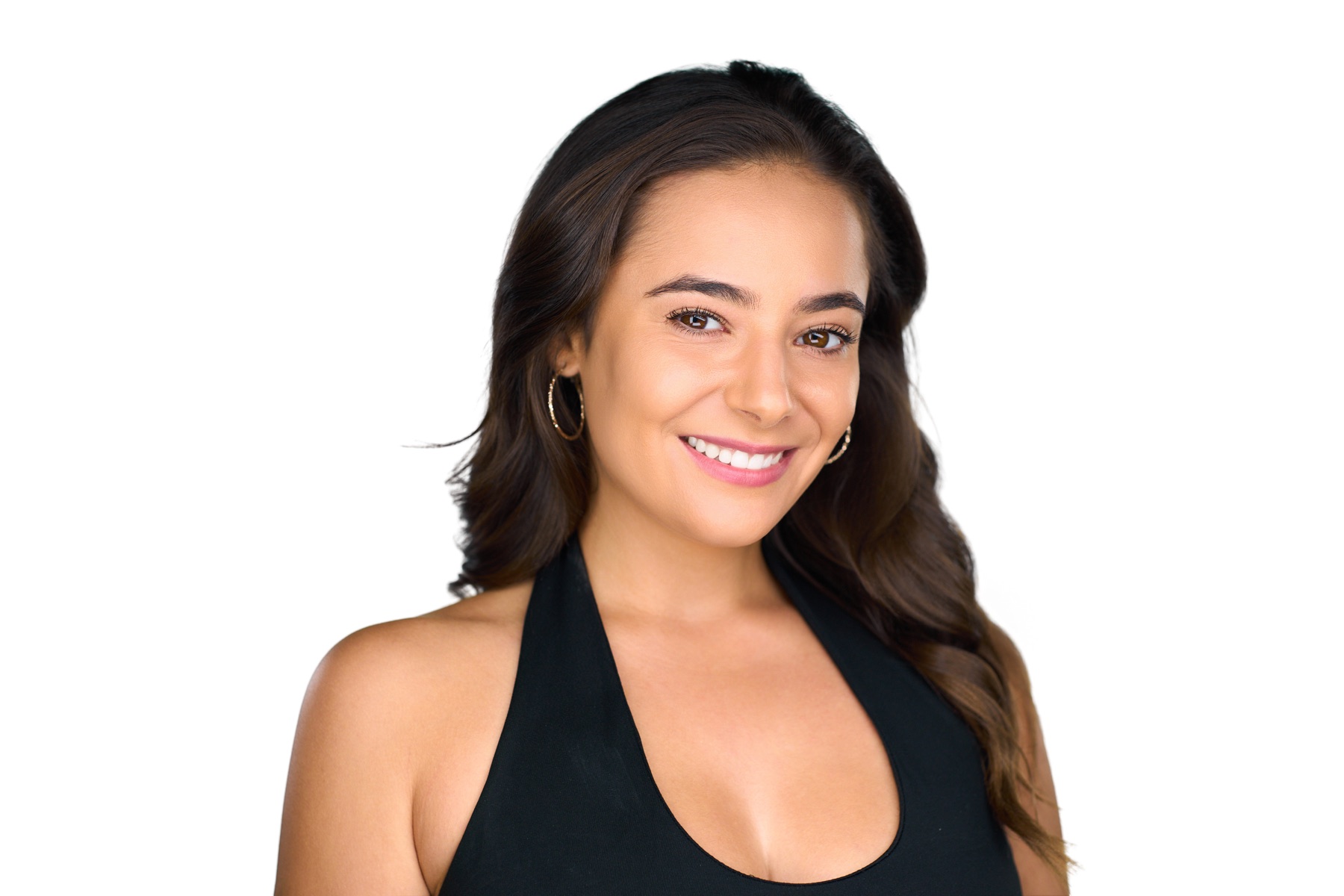
Wardrobe should support the role
For LinkedIn, wardrobe should feel like a polished version of how you show up professionally. That may mean a jacket, business-casual shirt, knit, blouse or simple top depending on the industry. The point is not to look overdressed. It is to look intentional.
Bring options if you can. A jacket can create structure, while a softer layer can make the image feel warmer. For more detail, use the LinkedIn wardrobe guide.
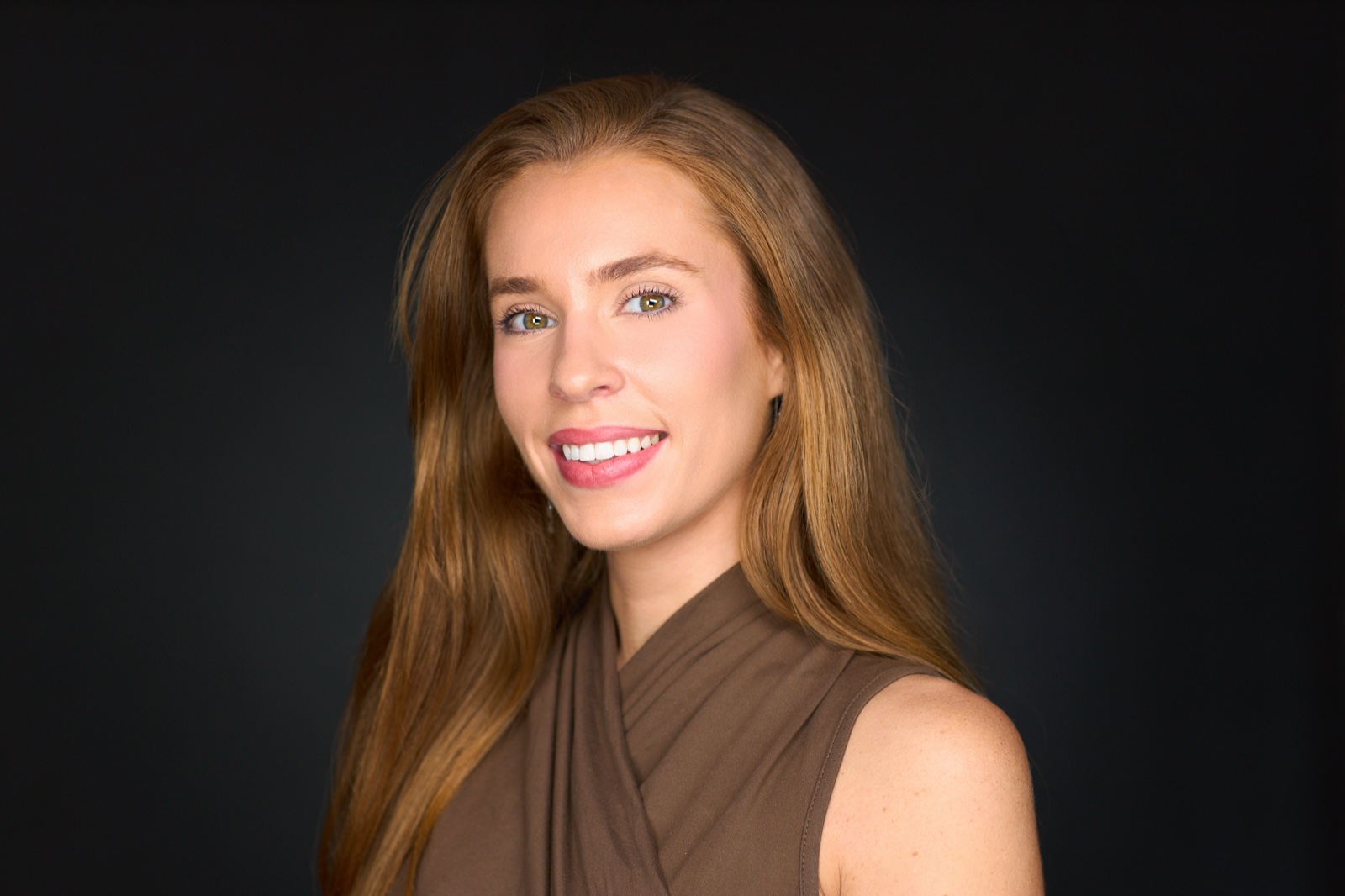
When to update your LinkedIn profile photo
Update your profile photo when your appearance changes, when you move roles, when the image no longer matches your seniority or when your current photo feels casual compared with your work. If the image is more than a few years old, it is probably time.
You can compare LinkedIn headshot examples or book a LinkedIn headshot session if you need a profile photo that works across LinkedIn, your company bio and other professional platforms.
Frequently asked questions
What makes a good LinkedIn profile photo?
A good LinkedIn profile photo is current, clear at small size, well lit, professionally cropped and expressive enough to feel approachable.
Should my LinkedIn photo have a plain background?
A plain or simple background usually works best because LinkedIn displays the image small and often on mobile. The face should be the focus.
Can I use the same photo for LinkedIn and my company website?
Yes, but it helps to have separate crops. LinkedIn often needs a tighter circular crop, while a company website may use a wider rectangle.